
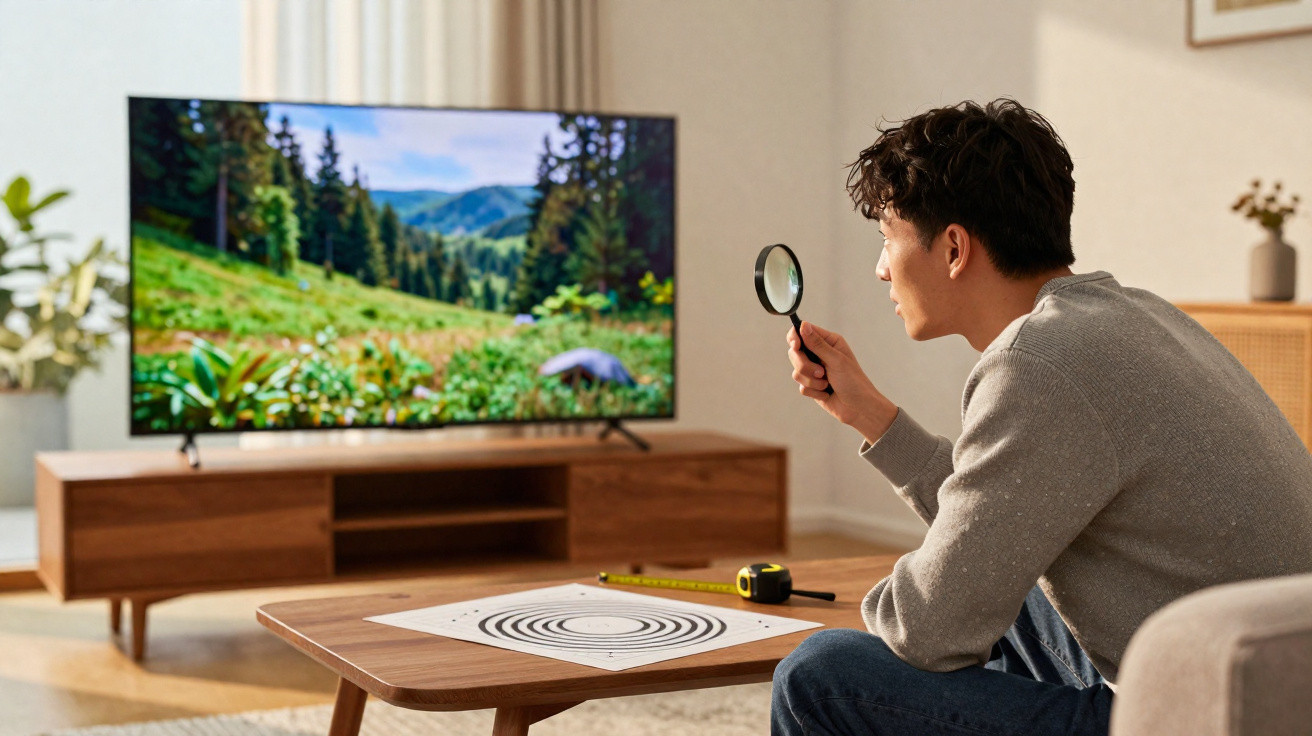
Your sofa, your eyesight and your everyday viewing routine may tell a quieter, rather different story.
New research from Cambridge indicates that the race for ever-higher TV specifications has moved beyond what most people can see from an ordinary sofa-viewing distance. The findings do not dismiss 4K or 8K; instead, they place those figures in a practical, real-world setting.
What the Cambridge team actually tested
At the University of Cambridge, researchers mounted a 27-inch 4K monitor on a movable rig that allowed precise changes to viewing distance. They enlisted 18 people with normal or corrected eyesight and asked them to identify visual patterns. These included extremely fine one-pixel black-and-white stripes, red-green stripes, yellow-violet stripes and a plain grey field.
Participants were shown images in a random order and had to say which image contained stripes. In a separate follow-up, 12 participants assessed text sharpness at varying distances, alternating between white text on black and black text on white. The two exercises test somewhat different aspects of visual processing.
The headline result: measured visual limits beat the classic 20/20 rule in some cases, yet color details drop sooner than gray detail.
Published in Nature Communications on 27 October 2025, the research estimates the number of pixels that the eye can distinguish within each degree of visual angle. The measure is called pixels per degree, or PPD. It provides a way to compare vision with display resolution and viewing distance without relying on guesswork.
Pixels per degree, in plain English
Think of a one-degree section of your vision. PPD measures how many separate display pixels can fit within that small area before they merge together in your view. A higher PPD means that finer detail remains visible, while a lower PPD means the detail has become indistinct.
Across the participants, the Cambridge researchers recorded the following averages:
| Pattern type | Average visual limit (PPD) | What it implies |
|---|---|---|
| Grayscale stripes | ~94 PPD | Eyes can resolve more than the old 60-PPD “20/20” yardstick. |
| Red-green stripes | ~89 PPD | Strong color contrast stays sharp, but a little less than gray. |
| Yellow-violet stripes | ~53 PPD | Some color pairs blur sooner because of how our eyes sense color. |
Extra pixels help until your viewing distance pushes PPD beyond your eye’s limit. Past that point, added resolution becomes invisible.
Why more pixels do not always help
A living room introduces two key limitations: display size and the distance from the sofa. Combined, they determine the PPD you actually get from a particular TV. Sitting closer lowers PPD, making individual pixels easier to notice. Sitting farther away raises PPD, concealing additional detail.
This is why a 65-inch 4K screen may appear exceptionally sharp at 3 metres, whereas moving to 8K might make no visible difference from that same seat. The new study reinforces that principle with direct measurements and a useful lookup method covering screen size, distance and the minimum resolution that would genuinely look sharper.
Colour adds another complication. Human vision resolves luminance, or light-and-dark information, more effectively than chroma, or colour information. A delicate grey pattern may therefore remain sharp while an equally fine yellow-violet pattern blurs earlier. Video content follows a similar imbalance: most footage uses chroma subsampling, which records colour at a lower resolution than brightness.
- At standard sofa-viewing distances, 4K is already at or above the visible-detail threshold for many people using large displays.
- 8K is beneficial only when you sit nearer, choose a larger screen, or do both.
- Brightness and contrast contribute as much to perceived sharpness as resolution does.
- Compression and streaming bitrates can remove the theoretical advantages of higher pixel counts.
What this means for buying a 4K or 8K TV in 2025
When choosing a TV, start with your room rather than the specification sheet. Measure how far away you sit and take account of the width of your wall. Then select a resolution that suits your real seating position.
The Cambridge researchers created a reference chart and an online calculator that convert screen size and distance into a sensible resolution recommendation. However, you do not need laboratory equipment to carry out a straightforward check at home.
Practical rules that save money and regret
- Give priority to panel quality, local dimming and HDR tone-mapping rather than simply moving from 4K to 8K.
- If you sit more than 2.5–3 metres from a 55–65 inch TV, 4K will generally provide enough fine detail.
- Gamers and desktop users positioned 60–90 cm from a 27–32 inch monitor can gain from 4K, as PPD remains lower at close range.
- For film viewing, a larger display at the same distance offers greater immersion than extra pixels on a screen of unchanged size.
- Assess motion handling too: motion blur removes small static details regardless of resolution.
Streaming quality, colour and compression complicate the picture
In real content, colour resolution is deliberately reduced. Most streaming services use 4:2:0 chroma subsampling, which lowers colour detail to conserve bandwidth while retaining sharp luminance detail. Your retina operates in a comparable way, responding more strongly to brightness edges than to colour edges. The difference in grayscale and colour PPD found by the study reflects this.
Color detail often arrives at lower resolution than brightness in the video signal and in your visual system. That narrows the benefit of extreme pixel counts.
Bitrate is important as well. A 4K stream with a low bitrate may contain less genuine detail than a high-bitrate 1080p Blu-ray. Compression can soften textures and introduce artefacts that hide fine edges. If your internet connection or streaming provider limits picture quality, extra pixels cannot restore what has been lost.
Try this at home
You can quickly assess your own setup without any specialist equipment.
- Play a fine checkerboard or one-pixel line pattern from a USB drive. Shift your seating position until the lines no longer shimmer. That point gives an indication of your PPD limit for that display.
- Bring up a page with small text in a TV web browser or on a console. Switch between black text on white and white text on black, then note the distance at which each looks equally sharp.
- View a bright HDR sequence followed by a dark one. If highlights appear glaring or blacks look washed out, adjust brightness and local dimming before pursuing greater resolution.
Jargon buster
- Pixels per degree (PPD): the number of display pixels contained within one degree of your vision. It connects visual limits with screen size and viewing distance.
- HDR (high dynamic range): broadens brightness and contrast, helping highlights and shadows appear more lifelike.
- WCG (wide color gamut): increases the range of colours that a display can reproduce, enhancing saturated shades.
- Chroma subsampling: a video technique that stores colour at a lower resolution than brightness in order to save bandwidth.
Where the study widens the conversation
The findings point towards a more useful buying approach: aim for a PPD appropriate to your seat, then spend on brightness management, contrast and motion clarity. In many living rooms, that combination has a greater effect on perceived sharpness than stepping up from 4K to 8K.
There is a comfort consideration too. Very high luminance can cause eye strain during night-time viewing, while tiny text and excessive sharpening may create halos that become tiring. Well-balanced settings and a practical seating arrangement can reduce fatigue without paying for pixels that you will never be able to see.






Comments
No comments yet. Be the first to comment!
Leave a Comment